Older Version
Newer Version
 JanetTerra
Sep 9, 2009
JanetTerra
Sep 9, 2009
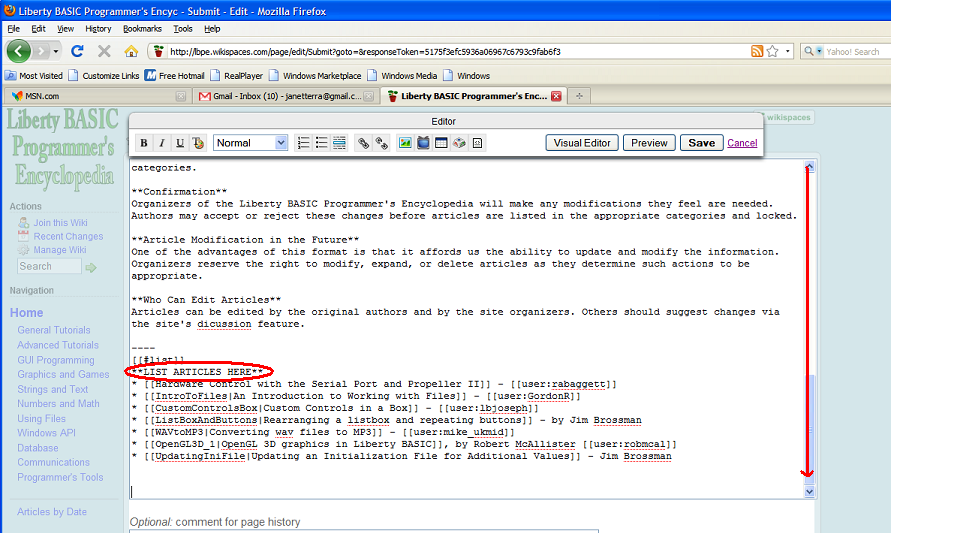
To add your article to the bottom of the page, scroll down to the end.
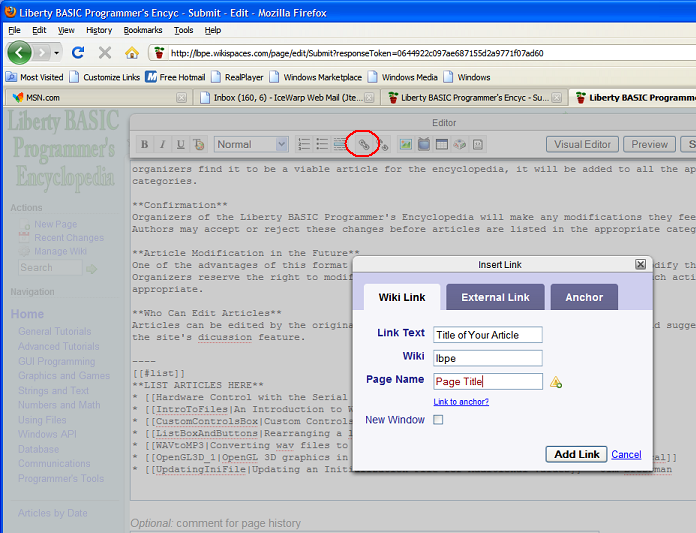
You can either click the link button on the editing tool bar and name your article and page.
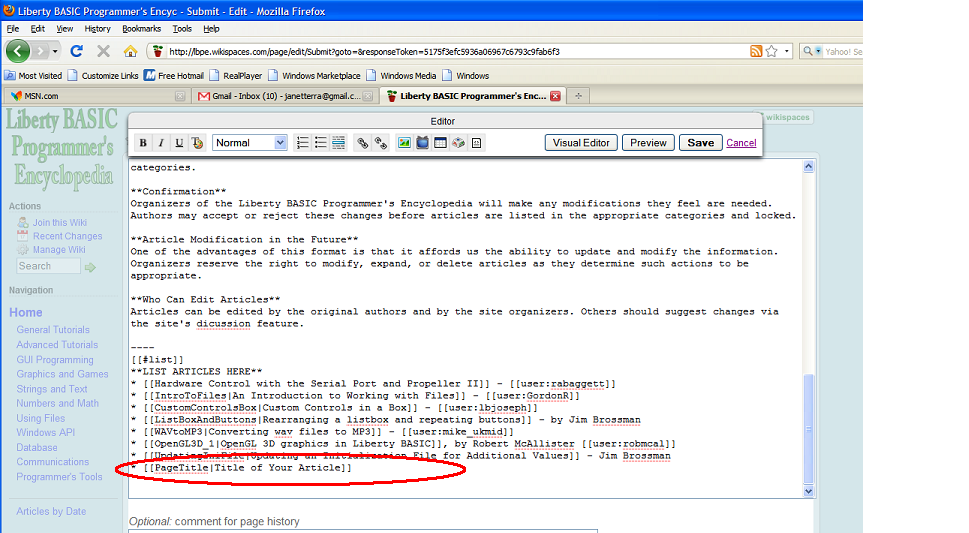
or you can just use brackets to type the page name and article title in.
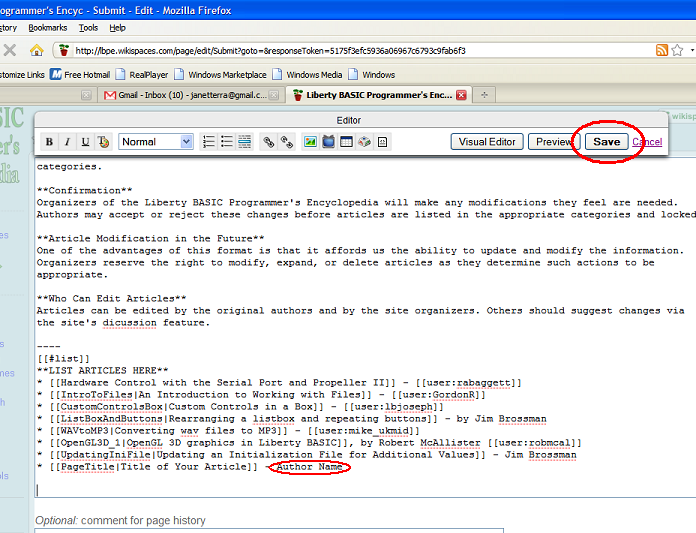
After your [[PageName|Title of Article]] appears at the bottom of the list, add your name and Save your edits.